
ERP Integration Architecture: Sync, Async and Event-Driven
ERP integration is the real work in most enterprise projects, and it's where they most often fail. When to choose synchronous APIs, asynchronous messaging or batch transfer, how an anti-corruption layer keeps the ERP model out of your application, and the reliability patterns — outbox, idempotency, reconciliation — that keep data flowing.
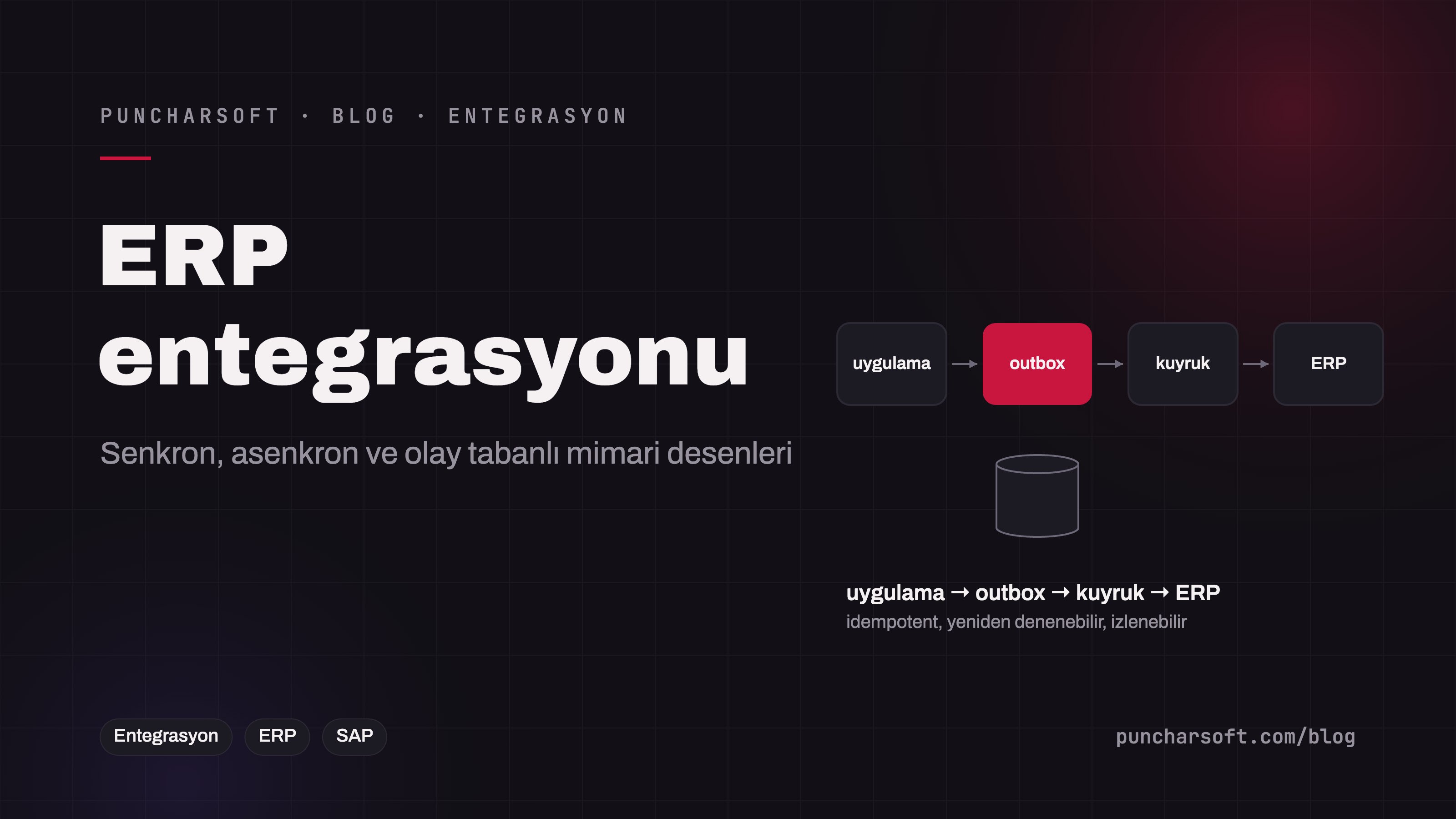
In most enterprise projects the real work isn't the screens, it's the ERP integration: stock and prices come from the ERP, orders are written to it, the customer record must be identical in both systems. It is also where projects most often get stuck — because an integration is not a "connection"; it is a contract between two systems with different data models, different timing and different failure behavior.
This article covers designing ERP integration around three basic questions, which data each of the synchronous, asynchronous and batch patterns is right for, the anti-corruption layer that keeps the ERP model out of your application, and the reliability patterns that keep it running in production. The examples use SAP terminology, but the approach is the same for Microsoft Dynamics, Oracle, NetSuite or any other ERP.
Three questions for every data flow
Before drawing a single line on the integration diagram, we write down answers to three questions for every data flow:
Direction and ownership: Which system holds the truth for this data? If the customer record is born in the ERP, the application copies it and never edits it. If the order is born in the application, the ERP is the receiver. Two-way ownership is the most expensive scenario and is designed away wherever possible.
Timing: Is the answer needed instantly (stock check), within minutes (order transfer), or overnight (product catalog)? The timing tolerance determines the pattern.
Failure behavior: What happens if the ERP doesn't respond? Does the user wait, is the operation queued, do you continue with the last known value? Without an answer to this question, the integration locks up the screen at the first ERP maintenance window.
Three patterns: synchronous, asynchronous, batch
Pattern | Technology | Suitable data | Strength | Risk |
|---|---|---|---|---|
Synchronous request–response | REST / OData, RFC-BAPI, SOAP | Live stock, price, credit-limit lookups | Always a current answer | Dependence on ERP availability and response time; rate limits |
Asynchronous messaging | Queue (Kafka, RabbitMQ), IDoc, outbox table | Transactional records: orders, invoices, deliveries | Nothing is lost while the ERP is down; retryable | Ordering, redelivery, the "was it processed?" question |
Batch / delta transfer | Scheduled job, files, change watermark | Product catalog, customer master, price lists | Simple, handles volume, doesn't strain the ERP | Latency; missing records if the delta logic is wrong |
Real projects use all three together: catalog nightly in batch, stock live and synchronous, orders asynchronous. Forcing a single pattern — everything synchronous or everything through Kafka — is the most common design mistake in integrations.
The anti-corruption layer: keep the ERP model out of the application
An ERP's data model is the product of decades of decisions: MATNR, KUNNR, 18-digit zero-padded numbers, code tables. If that model flows straight into your application's entities, the application becomes an extension of the ERP, and when the ERP changes (a version, a new system, a merger) everything changes. The solution, by its DDD name, is the anti-corruption layer: the integration layer speaks the ERP's language to the ERP and returns to the application in the application's own model.
// The application's own contract — independent of the ERP
public interface StockSource {
    Optional<StockStatus> query(ProductCode product, WarehouseCode warehouse);
}

// SAP adapter — we speak the ERP's language here and don't let it leak out
@Component
class SapStockAdapter implements StockSource {
    private final SapOdataClient client;

    @Override
    @CircuitBreaker(name = "sap", fallbackMethod = "lastKnown")
    @TimeLimiter(name = "sap")
    public Optional<StockStatus> query(ProductCode product, WarehouseCode warehouse) {
        var r = client.get("/API_MATERIAL_STOCK_SRV/A_MatlStkInAcctMod",
                  Map.of("Material", product.sapFormat(), "Plant", warehouse.value()));
        return r.map(SapStockMapping::toStockStatus);   // MATNR → ProductCode, MENGE → quantity
    }

    Optional<StockStatus> lastKnown(ProductCode product, WarehouseCode warehouse, Throwable t) {
        return stockCache.lastValue(product, warehouse); // ERP down: last known value + "stale" flag
    }
}
This layer has two jobs: mapping (code tables, formats, units) and isolation (timeouts, circuit breaker, fallback). When the ERP doesn't respond, showing the user "last known stock, 12 minutes ago" beats a blank screen and a 30-second wait.
Reliability for asynchronous writes: outbox, idempotency, DLQ
Writing the order to the ERP is the most critical flow and demands three guarantees together: if the order was saved it must reach the ERP (no loss), even if it arrives twice the ERP must not create two orders (no duplicates), and if it couldn't be delivered someone must know (no silence).
1. Outbox: the record and the message in the same transaction
@Transactional
public OrderNumber place(OrderRequest request) {
    Order o = orderRepository.save(Order.from(request));
    outboxRepository.save(OutboxEntry.of(               // same transaction: both or neither
        "ORDER_PLACED", o.getNumber().value(), SapOrderMessage.from(o)));
    return o.getNumber();
}

@Scheduled(fixedDelay = 2_000)
void drainOutbox() {
    for (OutboxEntry e : outboxRepository.pending(100)) {
        try {
            sapClient.createOrder(e.payload(), e.idempotencyKey());   // key = order number
            e.markDone();
        } catch (TransientError ex) {
            e.postpone(backoff(e.attempts()));           // 1m, 5m, 30m...
        } catch (PermanentError ex) {
            e.deadLetter(ex.getMessage());               // DLQ: human intervention
        }
    }
}
The outbox table doesn't have to replace a message broker; if you use Kafka, it flows from the outbox to Kafka and from there to the ERP adapter. The critical point is that the business record and the "to be sent" record are written in the same transaction.
2. Idempotency: the same message twice, one effect
Wherever there are retries, there is redelivery. On the ERP side, the order number or an idempotency key must be matched with an "already processed?" check; in SAP this is usually done through an external reference field (the customer reference on a sales order, for example). Without a key, the first network glitch creates a duplicate order in the ERP.
3. Visibility and reconciliation
The status of every outbox entry (pending, sent, error, DLQ) must be visible on a dashboard; a "silently standing" integration is the most dangerous kind. On top of that, a nightly reconciliation job compares the application's orders with the ERP's orders and reports the differences. Reconciliation is the one safety net that remains even when every other measure works correctly.
Choosing the interface in the SAP case
OData APIs (S/4HANA): The standard route for synchronous queries and simple writes; documented on the API Business Hub, with clear authorization.
RFC / BAPI (JCo): For operations the standard API doesn't cover and for older ECC systems; high performance, but connection management and version coupling are your responsibility.
IDoc: SAP's native asynchronous document transfer; mature and traceable for orders, invoices and shipments.
SAP CPI: A middleware that centralizes mapping and routing in multi-system scenarios; extra cost for small integrations, order for large landscapes.
We'll cover using these options from Java in a separate article; the rule here is: don't write custom RFCs when a standard API exists, and whichever interface you choose, keep it behind the anti-corruption layer.
Six common mistakes
Writing directly to the ERP database. Bypasses business rules, is outside any warranty, and breaks at the first version upgrade.
Carrying the ERP model into the application. If you see a
MATNRfield on an application entity, there is no boundary.Synchronous chains. User request → application → ERP → another system; every link adds latency and a chance of failure.
Retries without idempotency. Duplicate orders, duplicate invoices.
Silent integration. There is an error log but nobody watches it; accounting is the first to notice.
No reconciliation. When a discrepancy appears, nobody knows when or why it happened.
Design checklist
Owning system, timing tolerance and failure behavior are written down for every data flow.
Catalog/master data in batch, lookups synchronous, transactional records asynchronous.
The ERP adapter sits behind the application's own interface; mapping lives in one place.
Synchronous calls have timeouts, a circuit breaker and a fallback.
Asynchronous writes have an outbox, retry with backoff, a DLQ and an idempotency key.
Every message's status is visible on a dashboard; a nightly reconciliation job is in place.
The test environment has an ERP sandbox or contract tests.
Frequently asked questions
Can reliable ERP integration be built without Kafka?
Yes. An outbox table plus a scheduled sender is enough for most mid-volume enterprise scenarios, with far lower operational load. Kafka makes sense with many consumers, high volume, or a broad event-driven landscape.
How do we capture data that changes in the ERP?
In order of preference: the ERP's own event/webhook mechanism, a delta query based on a change timestamp (last modified), and as a last resort a full comparison. Database triggers are outside the ERP vendor's support.
How long does an integration take?
A one-way flow to an ERP with a documented API takes a few weeks; two-way, multi-object scenarios with legacy systems take months. What sets the duration isn't the code but how quickly access, authorizations and test data become available on the ERP side.
Conclusion
ERP integration means applying the right pattern to the right data and designing the failure moment from the start: lookups synchronous but isolated, records asynchronous but guaranteed, master data in batch but as deltas. An integration that keeps the ERP model behind an adapter and shows the status of every message survives even when the ERP changes.
To connect your existing systems, or make a silently standing integration observable, see our integration and automation and SAP consulting services. The discovery call and first estimate are free.