
Integrating Legacy Systems Without an API: DB, Files and RPA
'The system has no API' is the beginning of an integration, not the end. For the accounting system on the AS/400, the production tracker written in Delphi or the vendor software that offers no API, we compare database bridges, CDC, file exchange and RPA on reliability, latency and risk; how to do each one right, the facade service pattern and the pitfalls in the field.
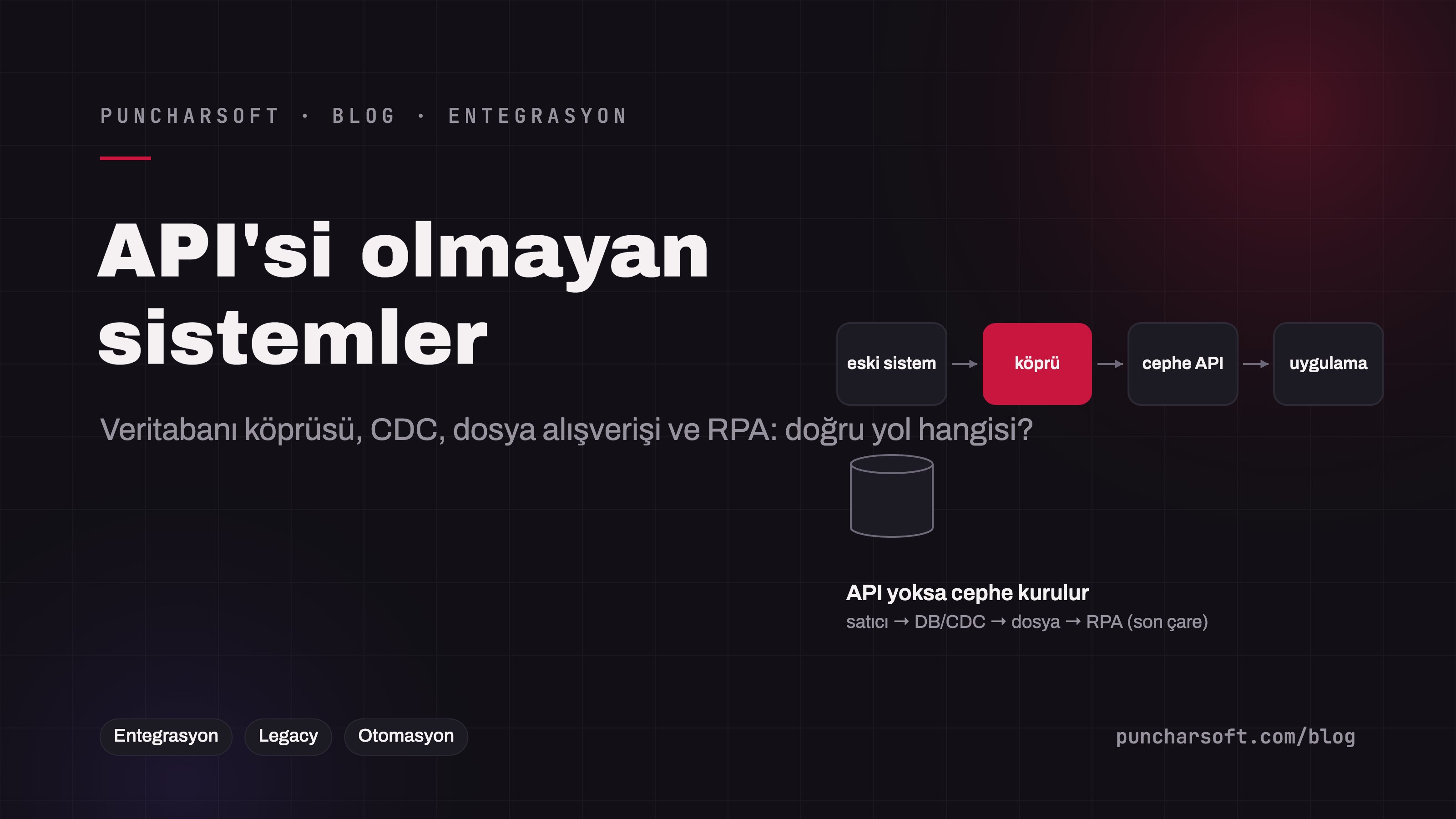
Every enterprise integration project has at least one: the accounting system on the AS/400, the production tracker written in Delphi in 2004, the vendor software that offers no API, a laboratory instrument that can only produce an Excel export. "The system has no API" usually leads to one of two bad outcomes: data is entered twice by hand, or the integration is shelved as "later". Yet integrating with an API-less system is a solvable engineering problem if the right route is chosen.
This article compares the ways of connecting to API-less systems — database bridges, change data capture (CDC), file exchange, RPA/screen automation and vendor extension points — on reliability, latency and risk; then covers the decision guide, how to do each route right, the facade service pattern that gathers all bridges behind a modern API, and the pitfalls we see in the field.
The options
Route | How | Reliability | Latency | Risk | When |
|---|---|---|---|---|---|
Vendor extension points | Hidden export/import, scheduled exports, ODBC access, macros/plugins | High | Minutes | Low; within support | Always the first question: ask the vendor |
Database bridge (read) | Read-only user + views; polling or CDC | High | Seconds–minutes | Unknown schema; vendor support terms | Read-heavy, medium–high volume |
Database bridge (write) | Staging table + the vendor's import job, or an approved stored procedure | Medium | Minutes | High; writing directly to business tables voids support | When a vendor-approved write path exists |
File exchange | CSV/XML/Excel, SFTP/shared folder, scheduled | High (if set up right) | Minutes–hours | Low–medium; the format contract is critical | Bulk data, daily/hourly flows, the one thing every system can do |
RPA / screen automation | A robot clicks, types and reads in the UI (UiPath, Power Automate, Playwright) | Low–medium | Seconds–minutes | High; breaks when the UI changes | When there is no other route, low volume, interim solution |
Report / print capture | PDF via a virtual printer, parsing text reports | Medium | Minutes | Medium; breaks when the report layout changes | Closed systems that only produce reports |
The decision guide
Ask the vendor first. A surprising number of "API-less" systems have a scheduled export, an ODBC interface or an undocumented import format. One e-mail is cheaper than a three-month RPA project.
Read or write? Read-only is usually solved with a safe database bridge; the write side always needs a vendor-approved path.
Volume and latency. 200 records a day → files; 20 records a second → CDC; if "real-time" is required, RPA won't do anyway.
The system's remaining life. Don't build an expensive bridge for a system that will be replaced within two years; pick the cheap and sufficient route, and make the facade service the permanent part.
The support contract. The vendor's "writing to the database voids support" clause dictates the design.
The database bridge: doing it right
Read-only, separate user; access to views created for you, not to business tables. The view is the single fix point when the vendor changes the schema.
Change detection: If the table has an
updated_at, incremental queries with a watermark; if not, a trigger-based change log with the vendor's approval, or CDC (Debezium reads the transaction log of SQL Server, Oracle, MySQL, PostgreSQL and Db2; it changes neither the application nor the schema, and needs only CDC/log access on the vendor side).For writes: Write to the staging table the vendor's import mechanism reads; let the vendor's job move it into the business tables. A direct INSERT into a business table bypasses triggers, business rules and the audit trail.
Load: Queries outside the vendor's busy hours; from a read replica if one exists;
statement_timeoutand paging.
@Component
public class AccountingInvoiceBridge {
    private final JdbcClient legacyDb;        // read-only user, only the V_INTEGRATION_* views
    private final WatermarkStore watermark;   // last processed (timestamp, id) stored durably

    @Scheduled(fixedDelayString = "PT2M")
    @SchedulerLock(name = "accounting-invoice-bridge")          // one runner across replicas (ShedLock)
    public void pull() {
        var last = watermark.read("accounting.invoice");
        List<InvoiceRow> fresh = legacyDb.sql("""
                SELECT invoice_no, customer_code, amount, currency, updated_at
                FROM V_INTEGRATION_INVOICE
                WHERE (updated_at, invoice_no) > (:ts, :no)         -- composite watermark: rows in the same second aren't missed
                ORDER BY updated_at, invoice_no
                FETCH FIRST 500 ROWS ONLY
                """)
            .param("ts", last.timestamp()).param("no", last.id())
            .query(InvoiceRow.class).list();
        for (InvoiceRow r : fresh) {
            invoiceService.importFromLegacy(AccountingMapping.toDomain(r));   // idempotent: upsert by invoice_no
            watermark.write("accounting.invoice", r.updatedAt(), r.invoiceNo());
        }
    }
}
File exchange: doing it right
Files are the oldest and most underrated integration route; set up wrong they lose data silently, set up right they run for years. The rules:
A written format contract: columns, types, encoding (UTF-8; the Excel BOM and Windows-1254 trap), delimiter, decimal separator (the Turkish comma!), date format, null representation, a version number in the header.
Atomic delivery: The file is written as
.tmpand renamed when complete; a half-written file is never read. Naming:invoice_20261210_143000_000123.csv(timestamp + sequence).Integrity and acknowledgment: A
.sha256or manifest alongside; the processing side leaves an.ack/.errfile; error rows go to a separate report.Idempotent processing: If the same file arrives twice (a resend), there are no duplicates; deduplication by file name and row key.
Archive and reprocessing: Processed files go to a dated folder; "reprocess the December 10 file" is a single command.
Monitoring: An alert when an expected file doesn't arrive ("the 06:00 file is missing" is the most commonly missed failure).
Spring Integration's SFTP inbound adapter or a simple scheduled job is enough; the complexity isn't in the library but in the contract and the error paths.
RPA and screen automation: last resort, but disciplined
A robot clicking in the UI is legitimate where no other route exists: the vendor grants no access, the database is closed, there is no file path. The rules: the robot checks the target state before every operation (if the record already exists it skips — idempotency); a screenshot and a log at every step; exceptions go to a human (queue + approval screen), the robot doesn't guess; a separate, narrowly permissioned user; an isolated virtual machine with a fixed screen resolution; the application version is pinned and the robot is tested before any update. For web-based legacy applications, automation written with Playwright is more robust than desktop RPA (DOM selectors beat coordinates). RPA has a volume ceiling: a few hundred operations a day; for thousands, another route must be found.
The facade service: a modern API hiding the bridges
[applications / ERP / e-commerce] ──REST/events──► [Facade service (Spring Boot)]
                                                       ├─ database bridge (reads, CDC)
                                                       ├─ file bridge (SFTP, hourly)
                                                       └─ RPA bridge (queue, human-approved exceptions)
                                                              │
                                                       [API-less legacy system]
All bridges are gathered behind a single Spring Boot service that exposes a clean REST/event API: GET /invoices?since=, POST /orders, an InvoiceCreated event. Internal applications know nothing about the legacy system's file format, schema names or the existence of a robot. This is the same anti-corruption layer as in ERP integration, with two big gains: when a bridge changes (moving from RPA to CDC) the consumers don't change; and when the legacy system is retired through strangler fig, the facade stays while the application behind it changes. In the facade service, each bridge's status (last successful run, queue, error count) is watched on a single dashboard.
Common mistakes in the field
Starting RPA without asking the vendor: Three months later you learn ODBC access existed all along.
Writing directly to business tables: The support contract lapses; triggers are bypassed; one day a hidden business rule is violated.
A single-column watermark: Records inserted in the same second are missed; use a composite watermark or CDC.
A verbal file contract: The other side changes the decimal separator and amounts grow a hundredfold.
A robot that guesses on exceptions: A robot that opens a new record on the "record not found" screen creates duplicates.
Building bridges separately for every application: Five applications, five SFTP parsers, five different bugs; the facade service gathers them in one place.
No monitoring: The nightly file hasn't arrived for three days and nobody notices.
Frequently asked questions
Does CDC work on every old database?
Debezium offers connectors for MySQL, PostgreSQL, SQL Server, Oracle, Db2 and MongoDB; it needs transaction-log access and some server settings (enabling CDC on SQL Server, LogMiner on Oracle). For very old versions or file-based databases (Paradox, DBF) there is no CDC; scheduled queries or the file route remain.
Does AI make RPA more robust?
Visual element recognition and language models increase tolerance to UI changes and help with reading free-text screens; but they also introduce uncertainty. For critical business records, the deterministic path and human approval remain; AI finds a better place in exception classification and document reading.
What if the legacy system is a single-user desktop application?
There is usually a file-based database such as Access, Paradox or DBF; read-only access via ODBC is often possible. For writes, the application's own import or RPA; but the plan to replace such a system should be made at the same time.
Conclusion
An API-less system isn't the end of an integration: vendor extension points first, then a database bridge through views and CDC, contract-based file exchange for bulk flows, disciplined RPA when there's no other route — all behind a single facade service, idempotent, monitored and reprocessable. The facade service is the investment that remains even when the legacy system is replaced.
To connect your API-less systems reliably to your enterprise applications, see our integration and automation service.