
SAP Java Integration: OData, RFC/JCo, IDoc and CPI Guide
When your Java application has to talk to SAP there are four routes: OData, RFC/BAPI (JCo), IDoc and SAP Integration Suite (CPI). Which is right when, reading and writing the S/4HANA OData API from Spring (including the CSRF flow), calling a BAPI through JCo, master-data synchronization and the pitfalls we see in the field.
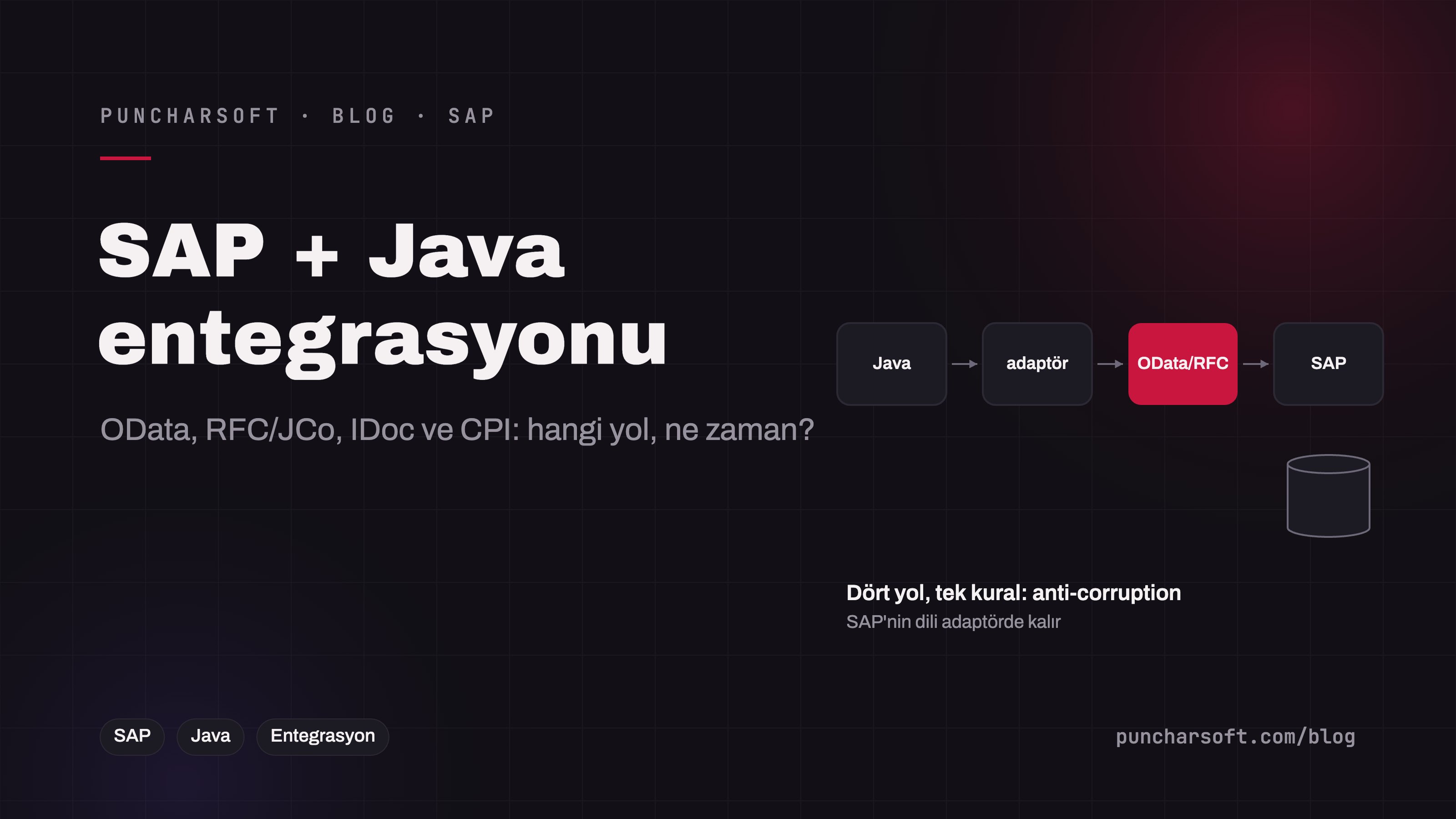
Sooner or later most enterprise Java applications have to talk to SAP: create the order in SAP, read stock and prices from SAP, synchronize customer and material master data, exchange delivery and invoice documents both ways. There are four main routes, and integrations built on the wrong route end the same way in the field: fragile, slow and rewritten after every change on the SAP side.
This article compares OData, RFC/BAPI (JCo), IDoc and SAP Integration Suite (CPI); shows reading and writing the S/4HANA OData API from Spring (including the CSRF flow) and calling a BAPI through JCo; and covers master-data synchronization, the shared architectural rules and the pitfalls we see in the field. Our ERP integration article provides the general foundation.
The four routes
Route | Protocol / tool | Synchronous? | Where it fits | Drawback |
|---|---|---|---|---|
OData | HTTP/JSON, S/4HANA Gateway; released APIs (API Business Accelerator Hub) | Synchronous | Modern read/write with S/4HANA; cloud and on-premise; no extra library on the Java side | Limited on ECC; large reads are slow; scope limited to released services |
RFC / BAPI (JCo) | SAP's native protocol; Java Connector 3.x | Synchronous | ECC and S/4HANA; standard and custom (Z) functions; high performance | Native library, distribution constraints, tight coupling to SAP |
IDoc | SAP's document format (ORDERS05, DESADV, INVOIC…); via JCo IDoc or CPI | Asynchronous | Bulk document exchange, EDI-like flows, orders/deliveries/invoices | Complex structure, error tracking on the SAP side (WE02), delayed |
SAP Integration Suite (CPI) | SAP's cloud middleware; iFlows, mapping, monitoring | Both | Many systems, a central place for transformation and monitoring; teams close to the SAP ecosystem | Licensing and latency; one more layer per call; separate expertise for a Java team |
Events | SAP Event Mesh / Advanced Event Mesh; business events | Asynchronous | Architectures reacting to events such as "order created" | Limited event coverage; event + OData read needed together |
The practical decision: for a new integration with S/4HANA, OData first; JCo for custom business logic OData doesn't cover and for ECC; IDoc for document-based bulk flows; CPI when more than three systems and transformation needs are involved. Putting CPI in the middle of a single high-volume Java–SAP integration adds latency and cost.
OData: reading and writing from Spring
S/4HANA's released APIs (for example API_SALES_ORDER_SRV) are standard OData v2/v4 services: $filter, $select, $expand, $top/$skip and $batch for bulk operations. For writes, SAP Gateway requires a CSRF token: first a GET with the X-CSRF-Token: Fetch header, then the POST with the returned token and cookies.
@Component
public class SapOrderOdataAdapter implements OrderErpPort {           // the application's own port; SAP's language stays here
    private final RestClient client;                                    // base URL: /sap/opu/odata/sap/API_SALES_ORDER_SRV

    @Override
    public ErpOrderNumber create(Order order) {
        // 1) CSRF token and session cookies
        ResponseEntity<Void> fetch = client.get().uri("/A_SalesOrder?$top=1")
            .header("X-CSRF-Token", "Fetch").retrieve().toBodilessEntity();
        String token = fetch.getHeaders().getFirst("X-CSRF-Token");
        List<String> cookies = fetch.getHeaders().get(HttpHeaders.SET_COOKIE);

        // 2) Write: mapping to SAP field names lives in the adapter
        Map<String, Object> body = SapOrderMapping.toOdata(order);       // SoldToParty, SalesOrderType, to_Item[]…
        JsonNode response = client.post().uri("/A_SalesOrder")
            .header("X-CSRF-Token", token)
            .header(HttpHeaders.COOKIE, String.join("; ", cookies))
            .contentType(MediaType.APPLICATION_JSON)
            .body(body).retrieve().body(JsonNode.class);
        return new ErpOrderNumber(response.at("/d/SalesOrder").asText());
    }

    @Override
    public List<StockStatus> stock(List<ProductCode> products, WarehouseCode warehouse) {
        String filter = products.stream().map(p -> "Material eq '" + p.value() + "'").collect(Collectors.joining(" or "));
        // $select for only the needed fields; $batch or paging ($skiptoken) for large lists
        ...
    }
}
Three details: (1) SAP's date and number formats (/Date(…)/, decimals as strings) are converted in the adapter; (2) the ETag is read after a write and sent as If-Match on update, otherwise concurrent changes get overwritten; (3) authentication is a technical user with basic/X.509 on-premise and OAuth 2.0 via BTP — the technical user's authorization objects must be limited to the services actually used.
RFC/BAPI: calling through JCo
JCo (SAP Java Connector) speaks SAP's native RFC protocol; it calls standard BAPIs and custom Z function modules on ECC and S/4HANA directly. The price: sapjco3.jar and the platform-specific native library (libsapjco3.so) are downloaded from the SAP Support Portal, can't be redistributed and are added to the container image under license.
public ErpOrderNumber createViaBapi(Order order) throws JCoException {
    JCoDestination dest = JCoDestinationManager.getDestination("S4_PRD");     // pool and credentials in the destination file
    JCoFunction bapi = dest.getRepository().getFunction("BAPI_SALESORDER_CREATEFROMDAT2");

    JCoStructure header = bapi.getImportParameterList().getStructure("ORDER_HEADER_IN");
    header.setValue("DOC_TYPE", "TA");
    header.setValue("SALES_ORG", order.salesOrg().value());
    JCoTable items = bapi.getTableParameterList().getTable("ORDER_ITEMS_IN");
    for (OrderLine line : order.lines()) {
        items.appendRow();
        items.setValue("MATERIAL", line.product().value());
        items.setValue("TARGET_QTY", line.quantity().value());
    }

    JCoContext.begin(dest);                                                    // BAPI + COMMIT in the same session
    try {
        bapi.execute(dest);
        JCoTable ret = bapi.getTableParameterList().getTable("RETURN");
        if (SapReturn.hasErrors(ret)) throw new SapBusinessError(SapReturn.messages(ret));   // TYPE = 'E' / 'A'
        JCoFunction commit = dest.getRepository().getFunction("BAPI_TRANSACTION_COMMIT");
        commit.getImportParameterList().setValue("WAIT", "X");
        commit.execute(dest);
        return new ErpOrderNumber(bapi.getExportParameterList().getString("SALESDOCUMENT"));
    } finally {
        JCoContext.end(dest);
    }
}
The most common JCo mistake is forgetting BAPI_TRANSACTION_COMMIT or calling it on a different connection: the BAPI returns "success" and the document doesn't exist in SAP. The second is not checking the RETURN table: a BAPI doesn't throw, it writes the error into the table. The third is leaving JCo's pool and timeouts at defaults; the pool size must match the number of dialog work processes on the SAP side.
IDoc: the document-based asynchronous flow
For document flows such as orders (ORDERS05), advance shipping notices (DESADV) and invoices (INVOIC), SAP's native language is IDoc. The Java side either listens for IDocs from SAP as a JCo server or receives them converted to HTTP/JSON through CPI. The rules: every IDoc's number is the idempotency key (the same IDoc is never processed twice); processing status must be traceable on the SAP side too (WE02/WE05); large IDocs are split and queued; schema changes (extension segments) are coordinated with SAP's transport process.
Master-data synchronization
Master data such as materials, customers and price lists isn't read from SAP on every request; a copy is kept on the Java side and updated by delta. Three methods: (1) nightly bulk pull (OData $filter=LastChangeDate ge …), (2) IDoc/events driven by SAP change pointers, (3) BTP events. Whichever is used, an id mapping table is essential: SAP customer number ↔ application customer id; SAP's zero-padded 10-character keys must not leak into the application's domain model.
Shared architectural rules
Anti-corruption layer: SAP field names (KUNNR, MATNR, VBELN), types and error codes stay in the adapter; the domain model doesn't know SAP. Moving from SAP to another ERP, or from ECC to S/4HANA, is an adapter change.
Resilience: Every SAP call sits behind a timeout, bounded retries (idempotent reads only) and a circuit breaker; SAP's maintenance window or slowness doesn't take the application down (see Resilience4j).
Writes from an outbox: An order headed to SAP is written to the outbox in the business transaction; the sender job delivers it to SAP and writes the SAP document number back.
Environments and transports: The DEV/QAS/PRD trio is mirrored on the Java side; developments on the SAP side (Z functions, CDS views, authorizations) are planned together with the transport request — if the Java release goes out before the SAP transport, the integration breaks.
Clean core: On S/4HANA, released APIs and side-by-side extensions instead of modifying the SAP core; custom Z code only when truly required and through released interfaces.
Authorization: The technical user is authorized only for the services and functions used; password rotation and log monitoring.
Common mistakes in the field
Live SAP queries on every screen: The product list takes 3 seconds on every open; a master-data copy and a cache are needed.
Reading tables with
RFC_READ_TABLE: A fast prototype, slow and fragile in production; use released APIs or CDS views.Showing SAP's error message to the user: "No entry for VBAK-KUNNR" means nothing to a user; the adapter translates it into business language.
Forgetting the commit, not reading RETURN: Described above; the two most expensive mistakes.
Forgetting the JCo native library in the container: The application that works locally dies on Kubernetes with "no sapjco3 in java.library.path"; make it an explicit step in the image build.
Planning production on test-system data: 10,000 materials in QAS and 2 million in PRD mean different paging and durations.
Frequently asked questions
Should we use the SAP Cloud SDK?
If you develop Java on BTP, the Cloud SDK standardizes destination management, authentication and the OData client and is a good choice. For a Spring Boot application on your own infrastructure, a thin OData client on Spring's RestClient is usually enough and more controllable.
How does the ECC to S/4HANA move affect the integration?
Most JCo/BAPI calls keep working on S/4HANA, but some BAPIs and table structures change (customer/vendor → business partner, for example). With an anti-corruption layer the move is an adapter update; without it, it's an application-wide change.
Is real-time stock information possible?
Within seconds via OData; but instead of going to SAP on every cart view, a short-TTL cache (30–60 s) plus a live query at critical moments (order confirmation) is the right balance.
Conclusion
In SAP–Java integration the route (OData, JCo, IDoc, CPI) matters but isn't decisive; what's decisive is the anti-corruption layer that keeps SAP's language in the adapter, the master-data copy and id mapping, writes from an outbox, resilience and a release plan coordinated with SAP's transport process. An integration built on these rules survives even the move from ECC to S/4HANA.
To integrate your Java applications with SAP or move an existing integration to S/4HANA, see our SAP consulting and integration and automation services.